Discover the next generation of surface quality control at
Paint Expo 2026.
Visit Hall 1, Stand 1149 and explore smarter ways to control surface appearance.
Plan your visit.
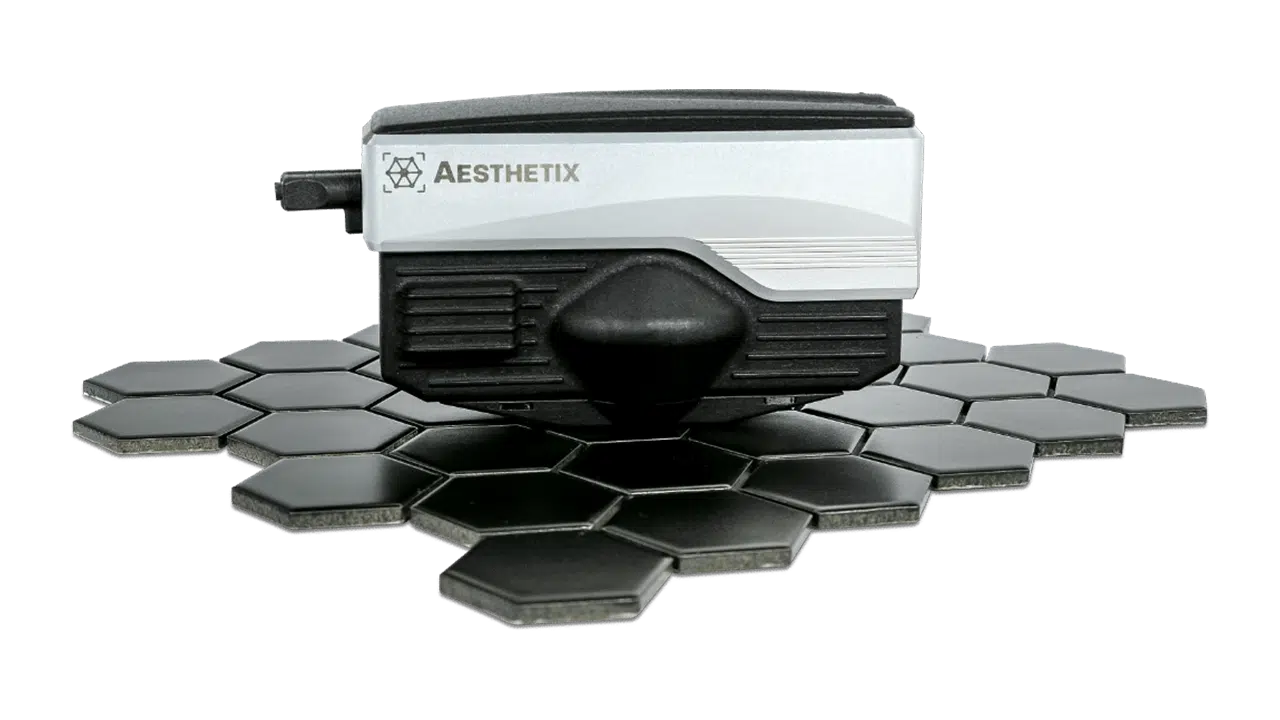
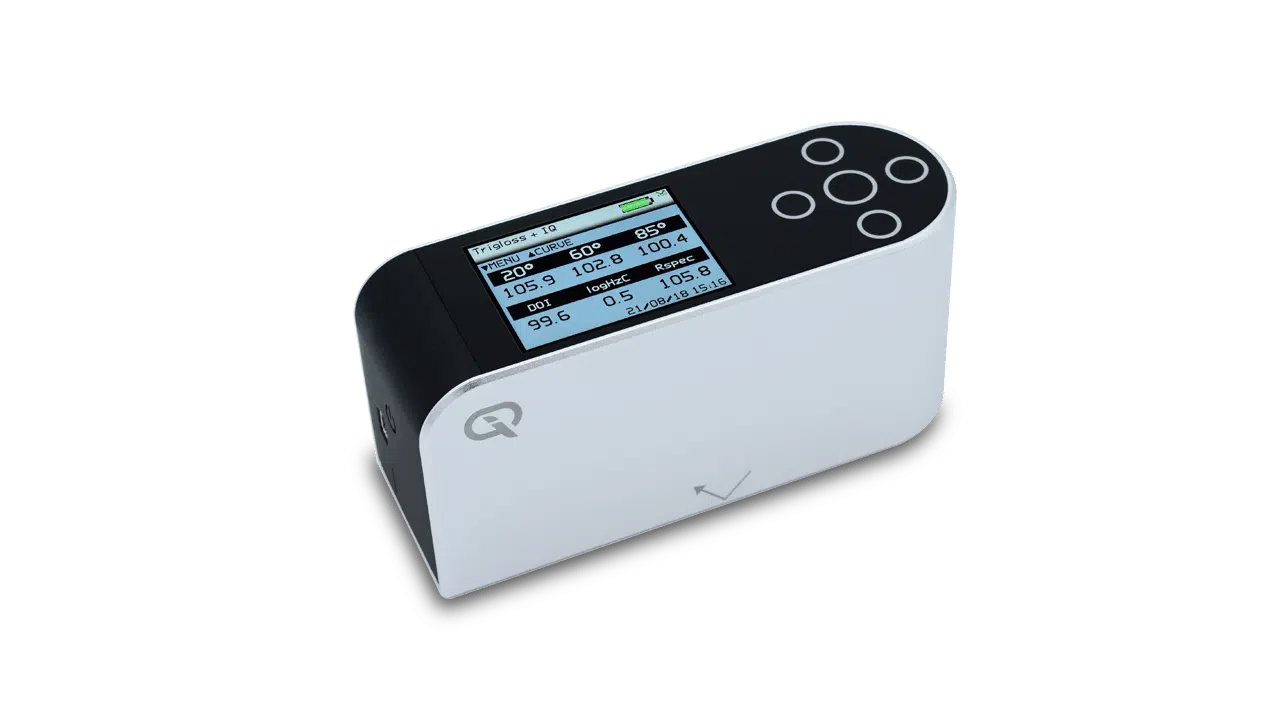
Measurement loops occur when the instrument cannot decide whether the surface it is measuring is a mirror or black gloss surface. The crossover is at ~130GU. In the measurement menu, “Range” can be set to “BLACK”, “MIRROR” or “AUTO”. If the sample you are measuring is in the crossover zone, try setting the range manually.
More recent versions of firmware handle switching between ranges better. You can contact an accredited service centre for details about whether there is a firmware upgrade available for your instrument.
This error can also be caused by calibration – if the black range is calibrated on a mirror surface, or vice versa, then this problem can occur. Enter the calibration menu, and make sure “Range” is set to “BLACK”, then calibrate the instrument on the supplied black tile. If a calibrated mirror tile is available, repeat this process for the mirror range.