Discover the next generation of surface quality control at
Paint Expo 2026.
Visit Hall 1, Stand 1149 and explore smarter ways to control surface appearance.
Plan your visit.
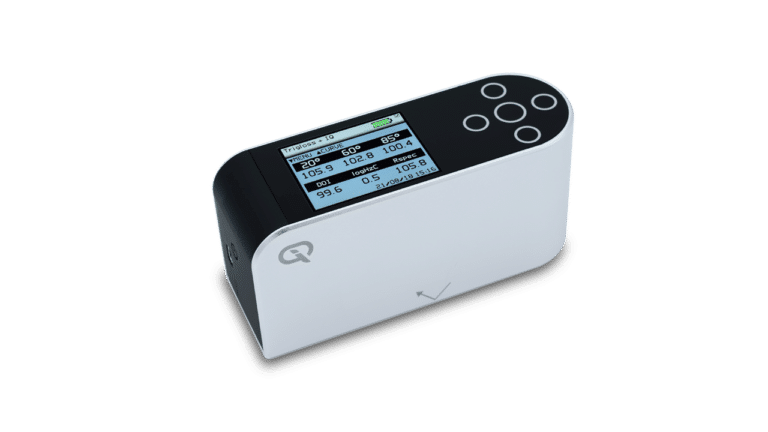
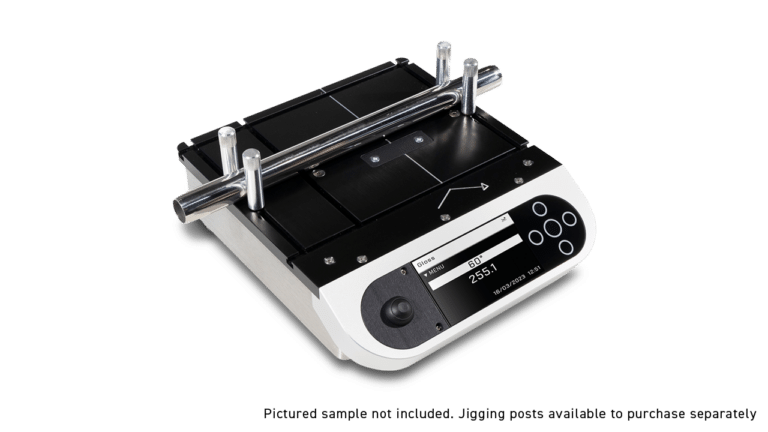
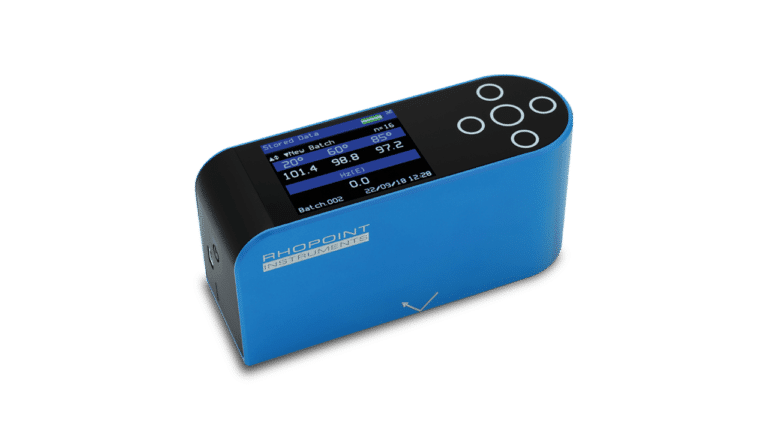
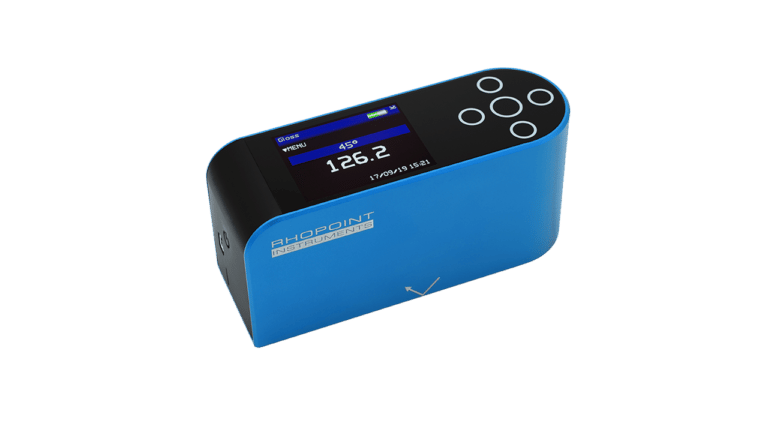
The Novo-Gloss, Rhopoint IQ and IQ Flex instruments have two measurement ranges (black and mirror) with auto mode selecting the best option by default. If your gloss readings are under ~120GU, use the black range. If measurements are regularly above ~120GU, the mirror range should be used, and it’s recommended to have the optional mirror calibration tile for accuracy. If auto mode struggles (e.g. when different angles fall above and below the threshold), simply switch ranges manually. Multiple angles may require using both ranges.
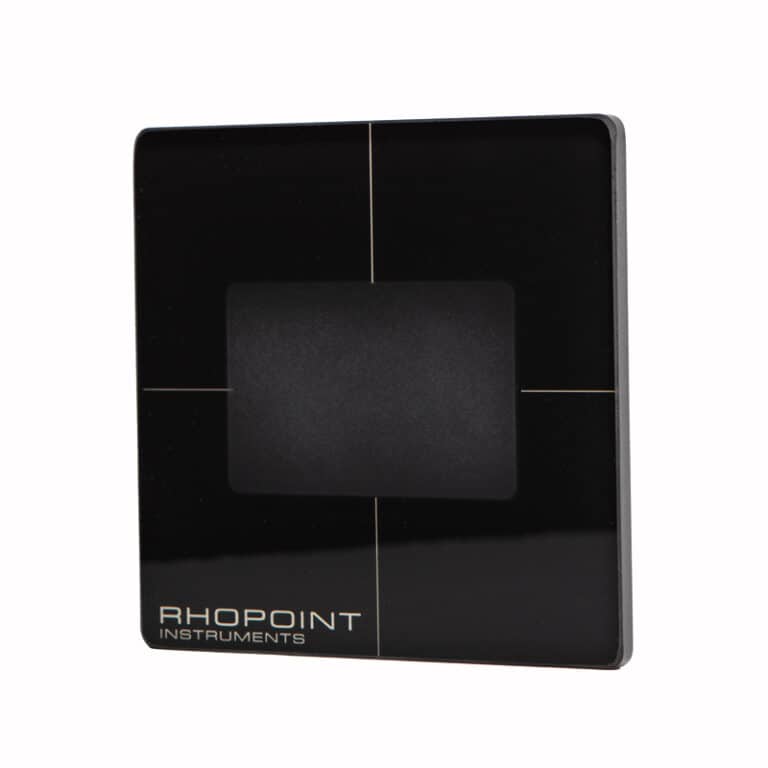
The black range has a maximum of 30% over the black tile calibration value – most of the time, this is ~130GU.
If measurements are regularly performed above ~120GU at any angle, it is strongly recommended to purchase the optional extra mirror calibration tile to ensure accuracy.
When both ranges have been calibrated on the correct tiles, the automatic range selection is generally reliable. There are, however, some surface types where one angle may be above the threshold and another below. This can cause the automatic range selection to fail, and the instrument may appear to be caught in a loop. (Note – this behaviour can also be caused by calibrating a range on the wrong tile.) In this situation, the correct range can be chosen manually in the measurement menu.
To decide which range to use, perform a measurement on the test surface. If the result at the required angle of measurement is over ~120GU, the mirror range should be used. If it is under, then the black range should be used.
If multiple angles are required and their results are above and below this threshold, then measurements using both ranges will be required.