Initiate a measurement(s) in AE
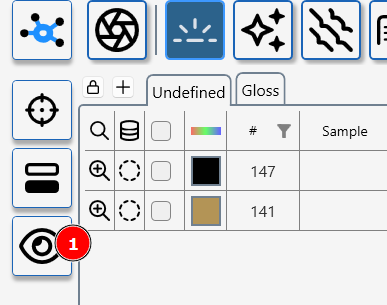
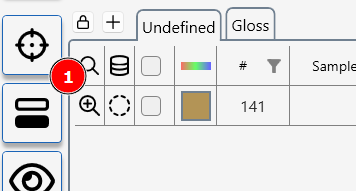
To take a measurement in AE click on the measurment icon (1)
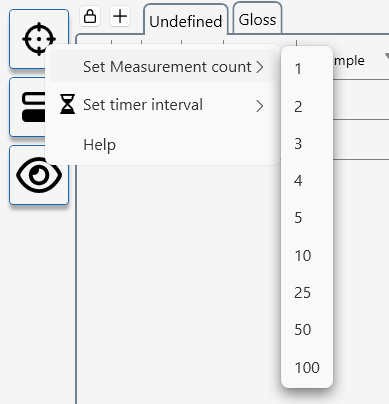
AE can be configured to take multiple measurments at set time intervals.
To access the measurement set up menu- RIGHT click on the neasurment icon
Some instruments and modules have a interactive measurement mode.
This mode uses a live view from a device camera to aid with sample positioning or allows measurement parameters to be fine tuned during the measurement process.
To initiale interactive measuremnt press the interactive measurement icon (1)