
Connect an Instrument to AE
Click the Device icon (1) to access the connection menu.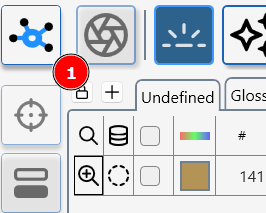

Device Manager- main Screen
Press (1) to add a device via Device Manager add a new device screen
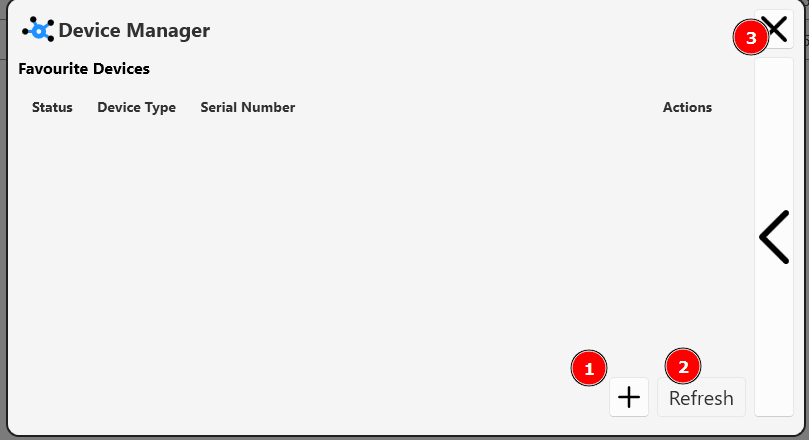
Press (2) to search for previously connected device.
Press (3) to close the device manager window.
If the sensor becomes disconnected, press the refresh button (3) to re-start the sensor discovery process.
Device Manager- add a device screen
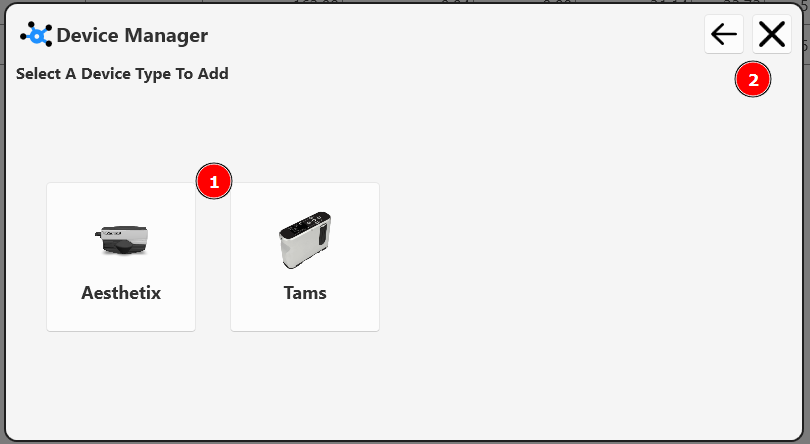
Click on the new device type (1) and follow on screen instructions.
Click (2) exit or return to leave this screen.
Device Manager- main Screen
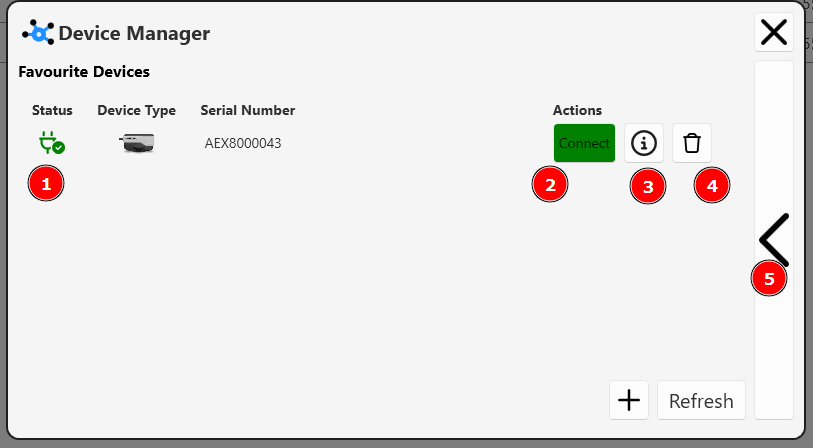
Available devices are listed with a green stats icon (1)
Press (2) to connect to an available device.
Press (3) to access device information.
Press (4) to forget a device.
Press (5) to enter "Viewer mode"
Device Manager- TAMS
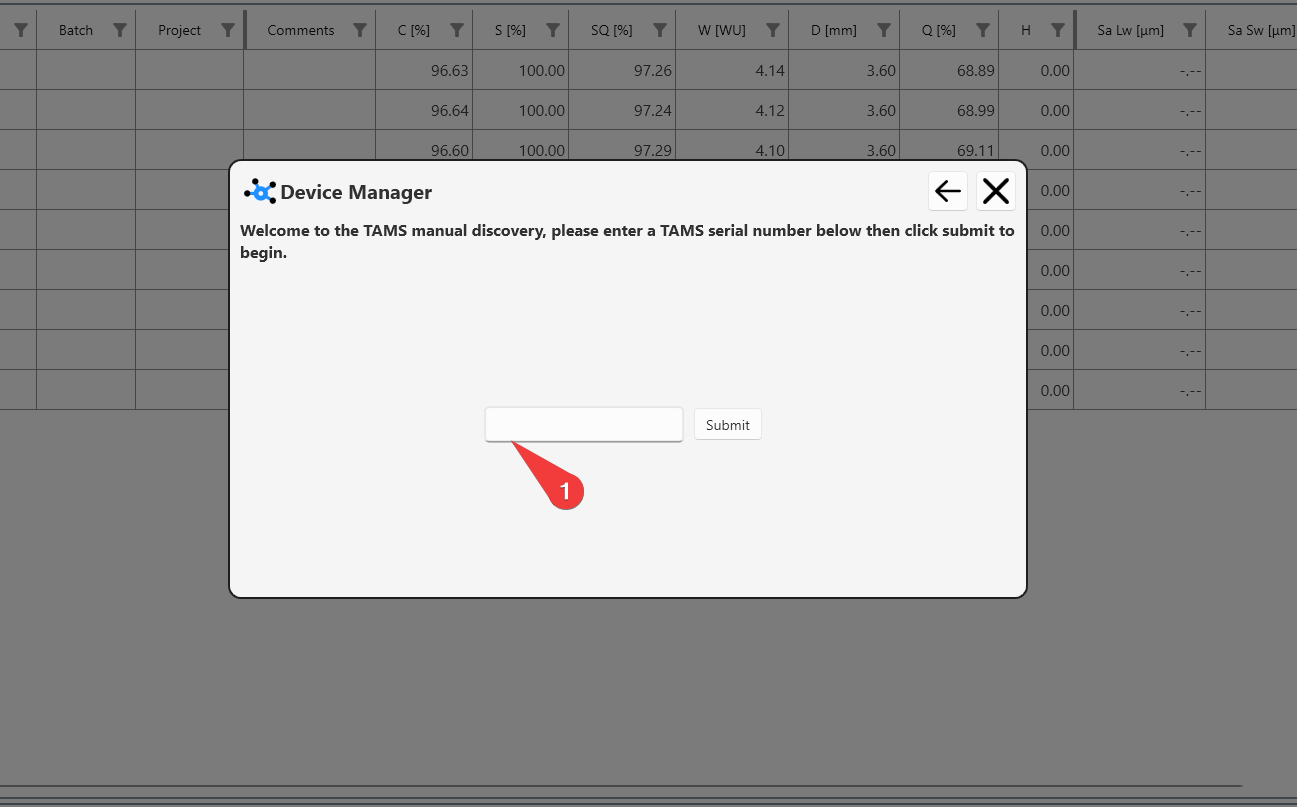
To connect a TAMS, click add a device>TAMs.
Enter the numerical part of the serial number (1) and click submit.