Save and Load Data
Results can be saved (1) or imported (2) from the measurement table.
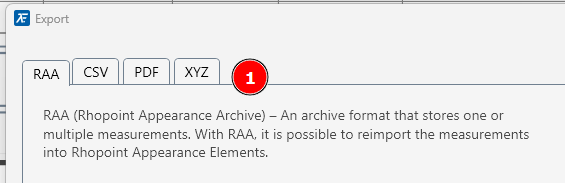
Import/Export options are chosen by clicking on the relevant tab (1)
For analysis in Excel, .csv files can be exported.
Map data can be exported as a .xyz file

Results can be saved (1) or imported (2) from the measurement table.
Import/Export options are chosen by clicking on the relevant tab (1)
For analysis in Excel, .csv files can be exported.
Map data can be exported as a .xyz file