Cross Cut Adhesion Auto Mode
Automatic mode uses image analysis to automatically detect the cuts in the grid and evaluate adhesion with consistent, repeatable results.
Manual mode in the Cross-cut Adhesion module lets the user interactively align the grid and fine‑tune detection settings for difficult materials, such as low-contrast coatings or uneven cross-cut grids.
Activate Interactive Measurement
- In the crosscut module, press the interactive measurement button.
- In the crosscut module, press the interactive measurement button.
Optimize Camera Exposure
Place the instrument on the cross cut test- a clear live image of the surface should be visible.
To adjust the image;
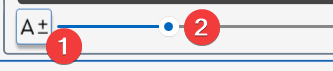
Use the Auto-Exposure button (1) to optimise the camera exposure for the surface's reflectivity.
If necessary, manually adjust the exposure using the slider. (2).
Choose Automatic mode (1)
- Check the Auto mode icon is in the on position (1).
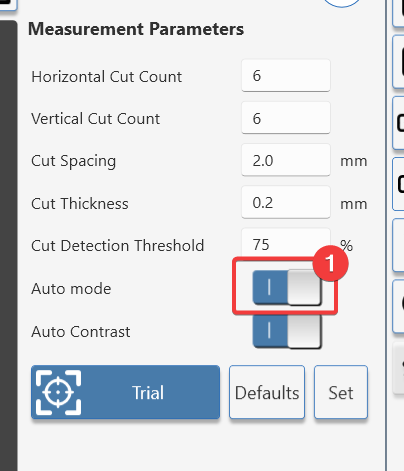
- Choose test parameters
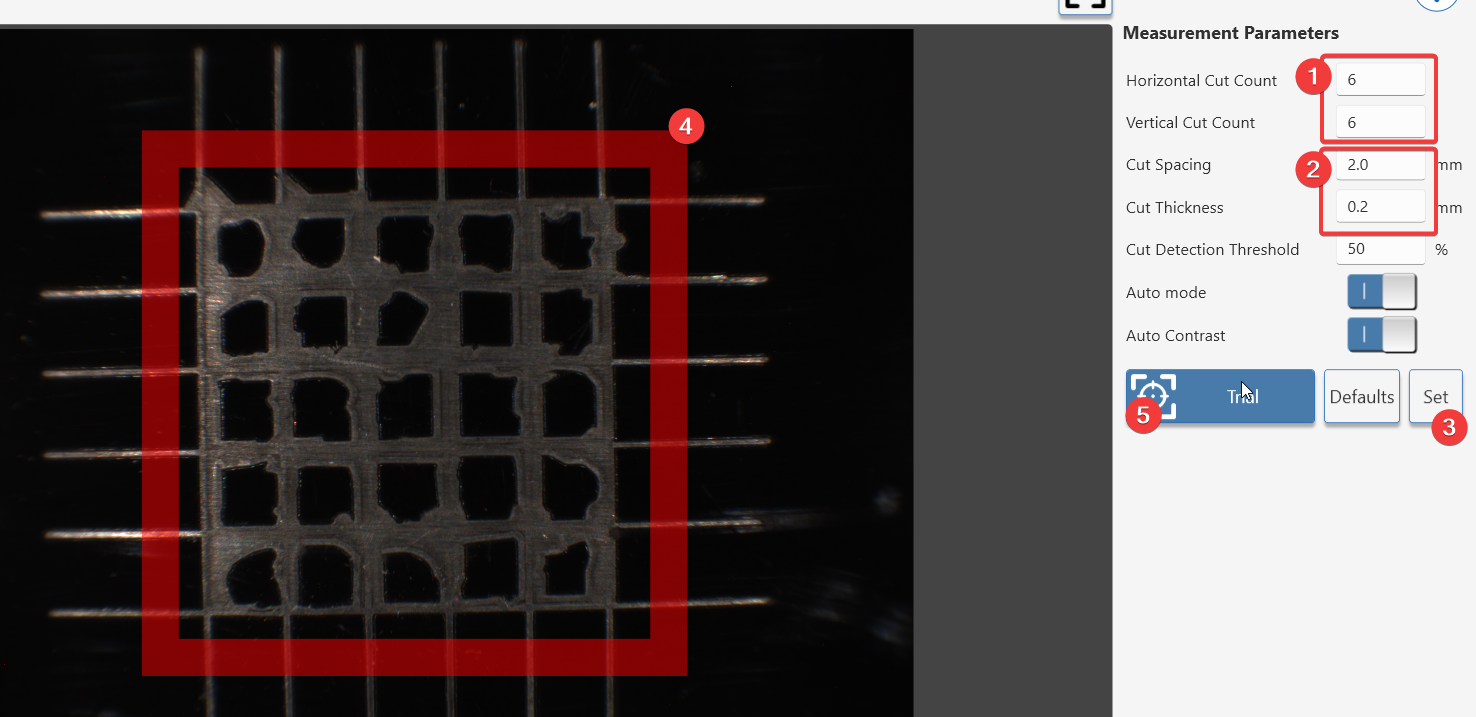
Set grid size (1) and cut parameters to match the test panel (2).
Press the set button (3) to redraw the red guide box (4).
Move the instrument so the guide box (4) is positioned outside the test grid.
Press (5) to start a trial measurement.
- Testing on white or light colours
The default setup detects cut lines that are lighter than the background.
When testing light colours the lines can be darker than the background.
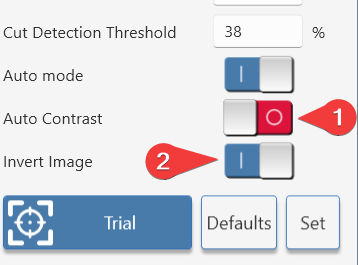
If cut lines are darker that the background colour;
- Switch off auto contrast (1) and select invert image (2)
6. Finetuning the detected paint area
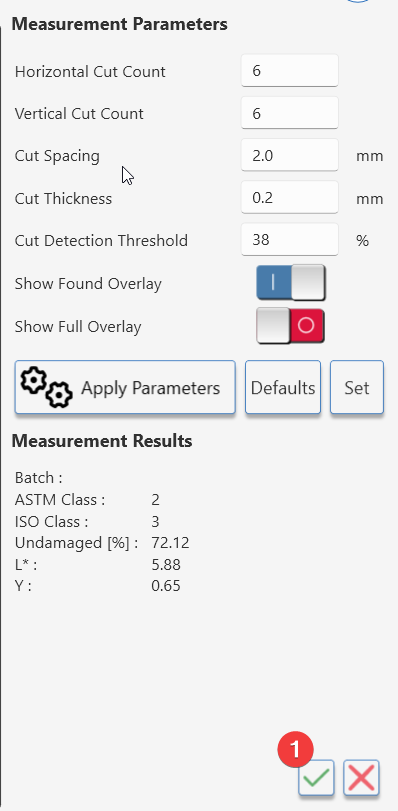
The cut detection threshold can be adjusted to;
- Finetune a measurement so edges are more accurately defined.
- Isolate a certain colour of remaining material, for example when determining intercoat adhesion.
- Adjusting the cut detection threshold
Click on/off the found overlay (1).
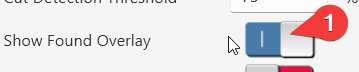
The green overlay should match the area of undamaged coating.
Increasing the threshold (1) makes the detection algorithm more sensitive.
Decreasing the threshold (1) makes it less sensitive.
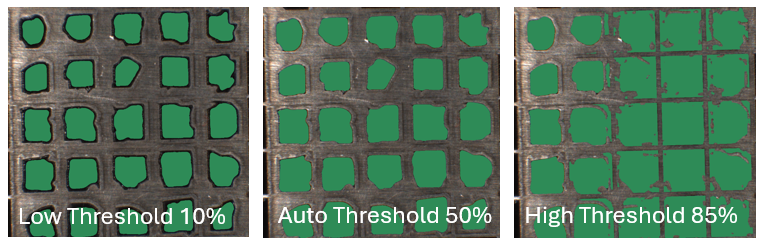
When the found ovelay matches the undamaged pain area;
- Click the accept measurement button (1) to include it in the table.