Software installation and setup guide
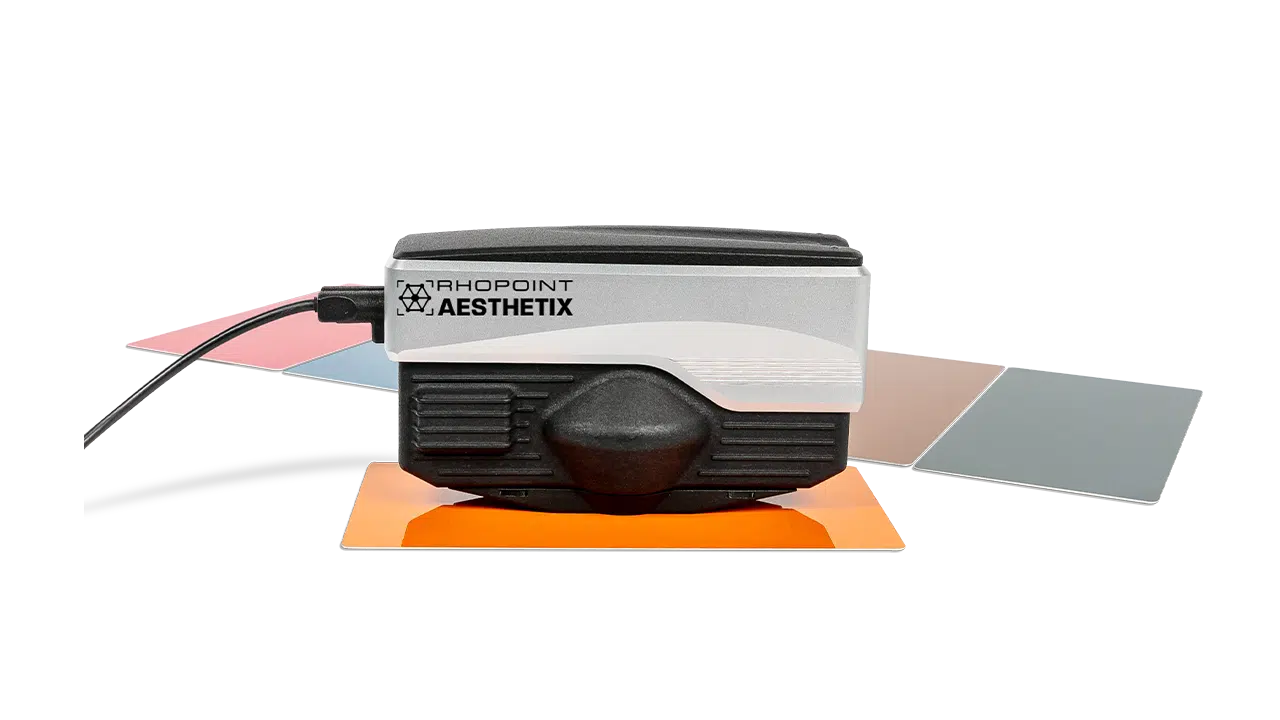
The Rhopoint Aesthetix is designed to be used with Rhopoint Appearance Elements software. The functions of Rhopoint Appearance Elements include measurement control, quality control reporting, results analysis, and database storage.
Minimum System Requirements
- OS: Windows 11
- Memory: 8 GB
- Port: USB 3.0 USB-C or Thunderbolt
- Screen Resolution: Recommended 1920 x 1080
Connection
- Connect the Aesthetix (USB 3)
Driver Installation
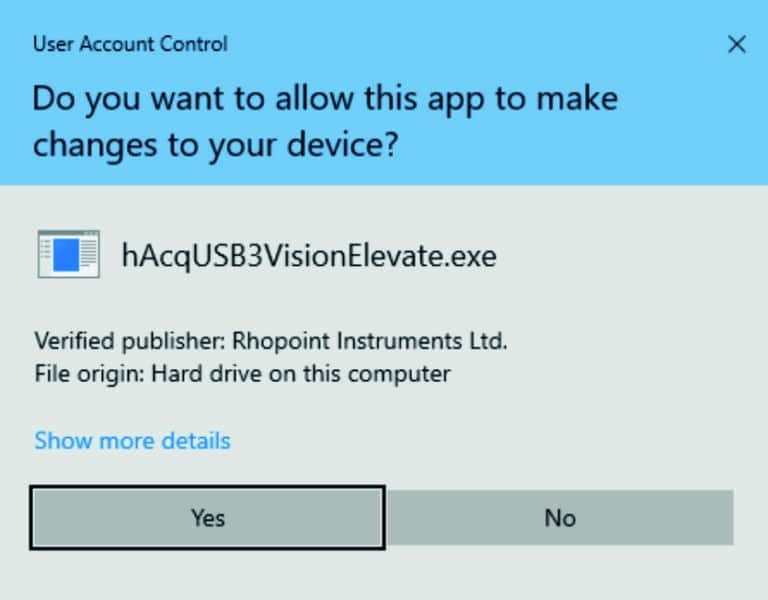
Camera drivers will be installed when the software first scans for the connected Aesthetix. Administrator privileges are required to install the drivers.
Installing Licenses
- Click on License Manager in the start screen.
- Click on the + button to add new licenses.
- Navigate to the provided license file.
Select licenses to install.
Getting help in the software
To access built-in help, press the F1 key on your keyboard or click the ? button on the bottom right of the screen.
GETTING SUPPORT
For further support, please contact the Rhopoint support team at support@rhopointinstruments.com. A member of the team will be happy to assist with setup, operation or troubleshooting queries.
Software Updates
If a newer version of the Rhopoint Appearance Elements software is available, a dialog containing a link to the changelog will appear on the screen.
Click on the bell icon to download the latest version. (Close the software before commencing the installation of the latest version).