
Operating the Instrument
Press the power button on the front of the instrument.
The green switch surround will flash, indicating the instrument is booting up.
Once booted the introduction screen will be displayed. The switch surround will stay illuminated green.

Press the play button or the below physical button to progress to the main operating screen.
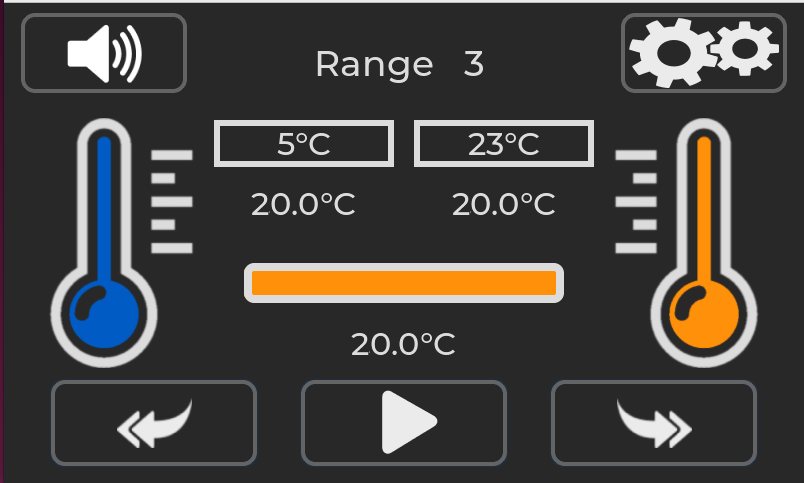
The main operating screen for the MFFT instrument will look like the above. In this example range 3 has been selected but the instrument is not set to start achieving target temperature.