
Esta página aún no está traducida y se muestra en inglés.
Install Symmetron
Rhopoint Symmetron is a lightweight diagnostic tool. Installing it is the recommended way to use Symmetron: the installer sets up the required dependencies for you and keeps the tool up to date automatically.
Download
Download the latest version of Symmetron from download.rhopointservice.net/symmetron.
Installation
- Download the Symmetron installer from the link above.
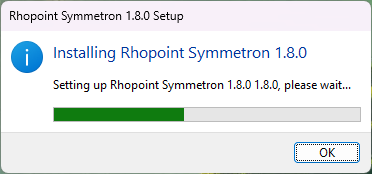
- Double-click the installer and follow the on-screen instructions.
- Launch Symmetron from the Start menu.
System requirements
Symmetron itself has very modest requirements:
- OS: Windows 10 (build 19041 / 20H1) or newer
- CPU: x64
- Disk: A few hundred MB of free space
Symmetron does not need any Rhopoint software to be installed in order to run. It is designed to be used before you install a Rhopoint product.