
Esta página ainda não foi traduzida e é apresentada em inglês.
Remote Support
The Remote Support tab lets a Rhopoint engineer connect to your PC to help you directly. You stay in control: a remote session only starts when you enter the session number that the engineer gives you.
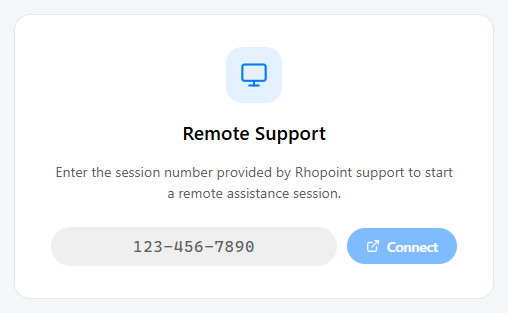
Join a session
- Contact Rhopoint Support. The engineer will give you a session number (for example
894-135-7866). - Type the session number into the field.
- Click Connect.
Symmetron opens the remote assistance session in your browser, and the engineer can then view your screen to help.
Symmetron also recognises a session number automatically when you copy it to the clipboard, and fills it in for you. If the number is not valid, Symmetron asks you to re-enter it in the form
xxx-xxx-xxxx.