
이 페이지는 아직 한국어로 번역되지 않아 영어로 표시됩니다.
Start AE Software
Start the software
Double-click the Rhopoint Appearance Elements icon created on the desktop to start the software.
 Rhopoint Appearance Elements desktop icon
Software Update
When connected to the web AE will check Rhopoint Servers for an update.
Additional setup
On the first start, the camera drivers are checked. If the drivers are missing, they will be installed upon confirming the following dialog:
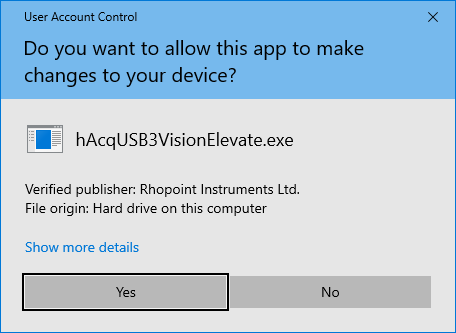 USB camera driver installation