
Cette page n'est pas encore traduite et s'affiche en anglais.
System Info
The System Info tab shows a detailed, read-only summary of the PC's hardware and software. It is a quick way to capture the machine's specification when reporting a problem or confirming a configuration.
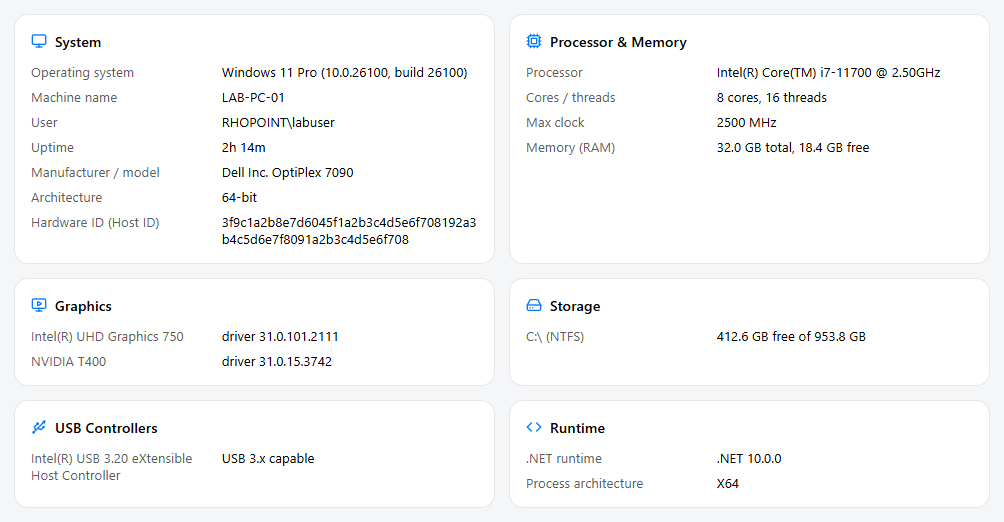
Information shown
The information is grouped into cards:
| Card | Contents |
|---|---|
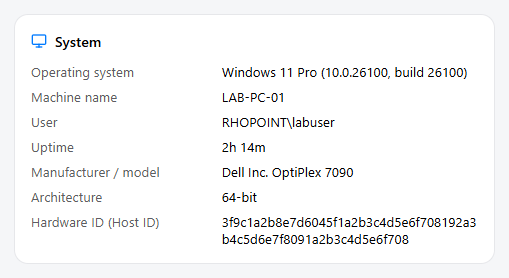
| System | Operating system and build, machine name, current user, manufacturer/model, domain or workgroup, uptime, and the PC's Hardware ID (Host ID). |
| Processor & Memory | Processor model, core and thread counts, clock speed, and total/free RAM. |
| Graphics | Installed graphics adapters and their driver versions. |
| Storage | Fixed drives with free and total space. |
| USB Controllers | The USB controllers present on the PC. |
| Runtime | The software runtime environment. |
Refresh and copy
- Refresh — re-read the system information (useful after changing hardware).
- Copy all — copy the entire system summary to the clipboard, ready to paste into an email or support ticket.

The Hardware ID (Host ID) uniquely identifies this PC and is the same value used when issuing a node-locked Rhopoint licence. See Licence Check.