
Tato stránka ještě není přeložena do češtiny a zobrazuje se anglicky.
Connectivity
The Connectivity tab checks that your PC can reach the Rhopoint online services and lets you measure your internet connection speed. This is useful when software updates, licence activation or diagnostic uploads are not working.
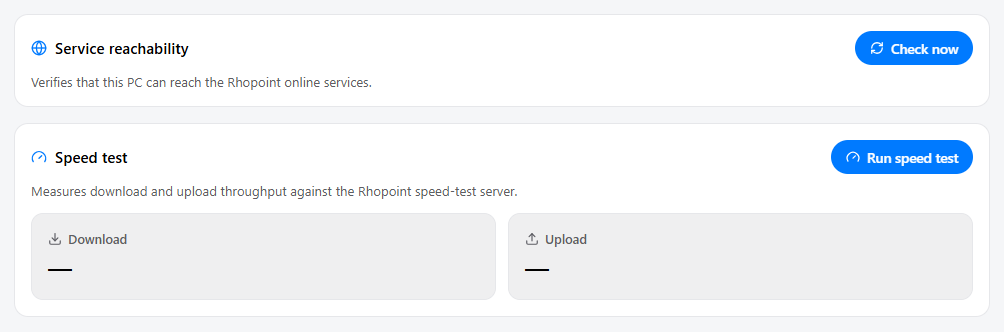
Service reachability
Click Check now to test whether this PC can reach each of the Rhopoint online services.
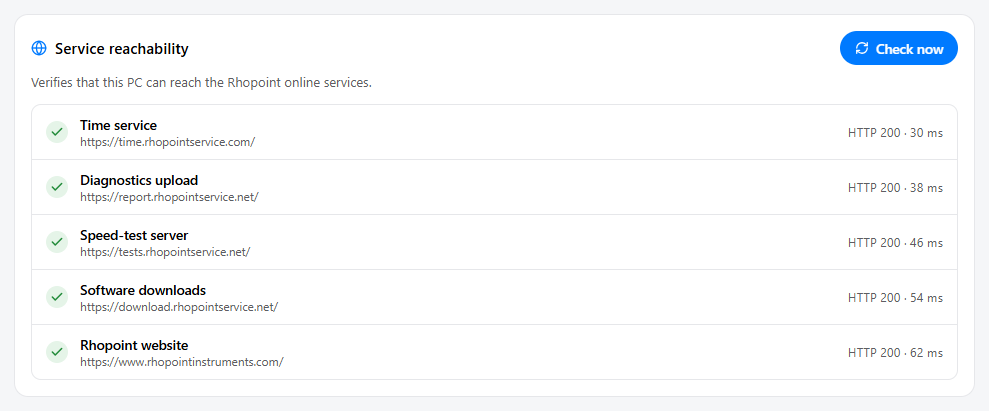
Symmetron checks the following services:
| Service | Used for |
|---|---|
| Time service | Verifying the system clock for licence and login checks |
| Diagnostics upload | Sending diagnostic bundles to Rhopoint Support |
| Speed-test server | The speed test on this tab |
| Software downloads | Downloading and updating Rhopoint software |
| Rhopoint website | General website access |
Each row shows one of three states, along with the HTTP status and response time:
| Indicator | Meaning |
|---|---|
| Green tick | The service responded normally (HTTP 200). |
| Amber warning | The service is reachable but did not respond as expected (for example a different HTTP status). It is online, but something may be misconfigured. |
| Red cross | The service could not be reached at all — the reason is shown. |
Speed test
Click Run speed test to measure your connection's download and upload throughput against the Rhopoint speed-test server.
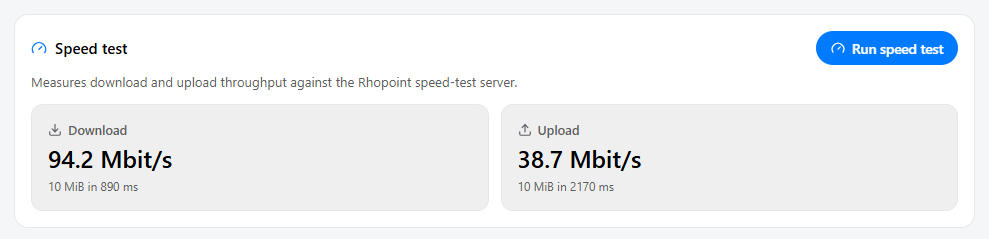
The result is shown as two tiles:
- Download — how fast data can be received, in Mbps.
- Upload — how fast data can be sent, in Mbps. This matters most when uploading diagnostic bundles.
Each tile also shows the amount of data transferred and the time it took.