# Instrument Overview
> [!note] 이 페이지는 아직 한국어로 번역되지 않아 영어로 표시됩니다.
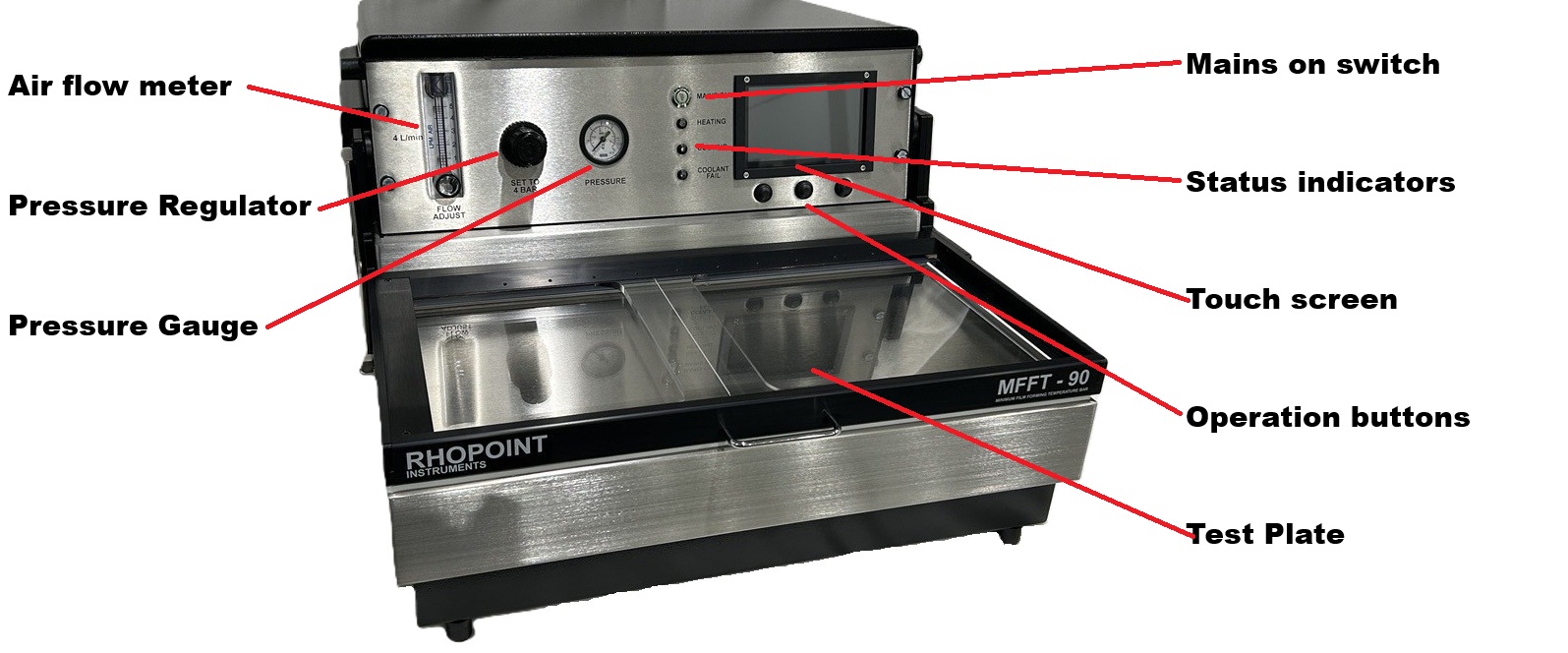
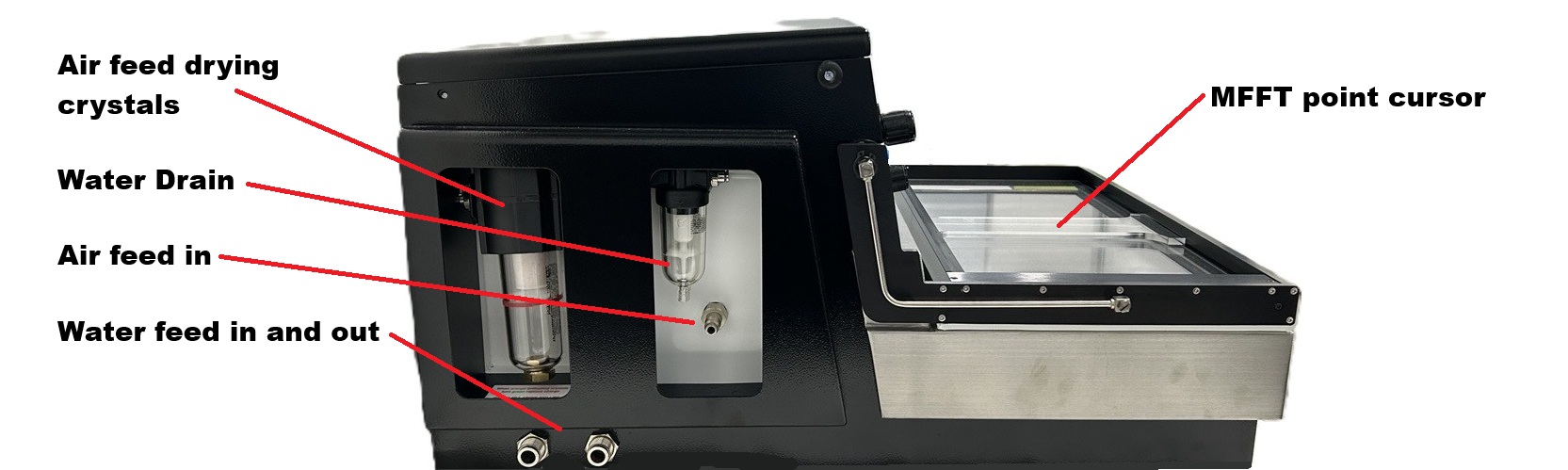
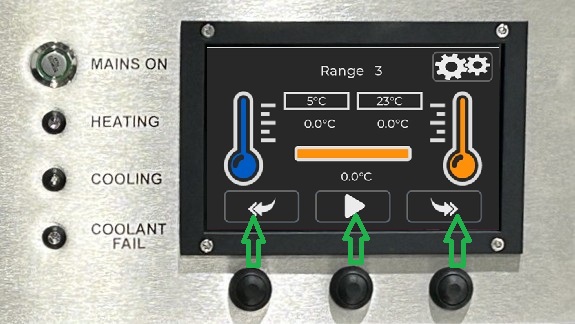
Below the touch screen display are 3 physical buttons. These buttons replicate the operation of the on screen buttons above them. These physical buttons will cover basic operation and are easier to use with protective gloves. They also easier to clean if product is accedently transferd to them.